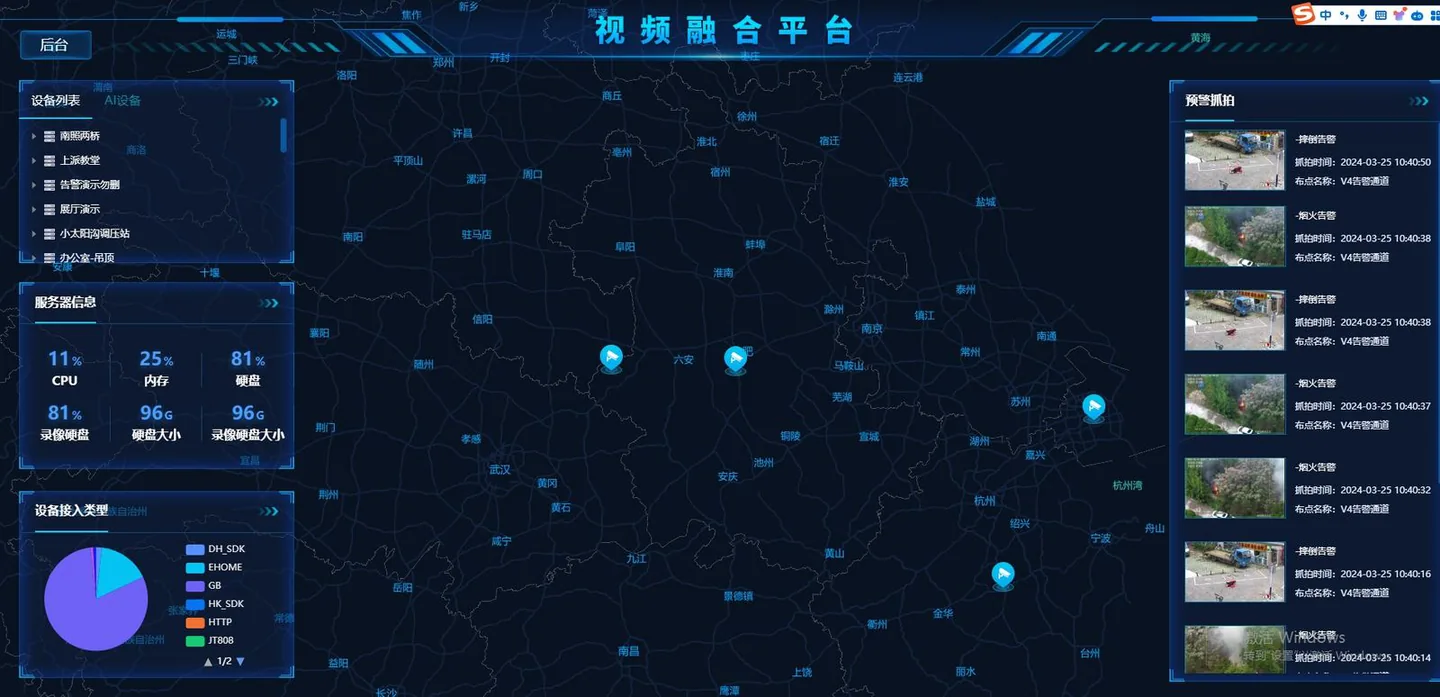
Centralized analytics

AI Video Analytics Server

Centralize multi-channel AI video analytics for larger CCTV deployments and integration projects.

The AI Video Analytics Server is suitable for larger deployments where a central server is preferred over distributed edge devices. It can receive multiple streams, run AI models, and push structured events into third-party systems.

The right configuration depends on the customer’s camera count, video resolution, FPS, selected algorithms, and latency expectations.

Specifications

Key technical information.

InputRTSP and ONVIF camera streams
ScaleConfigured by channel count, resolution, FPS, and model load
OutputHTTP API, MQTT, Webhook, snapshots, metadata
OperationOn-premise, private network, centralized management
Model supportStandard and custom AI models
ServicesDeployment support, tuning, and remote assistance

Multi-channel video analytics

Planning a multi-channel AI video analytics server

A video analytics server is normally considered when a project has more camera streams, a central equipment room, and a requirement to manage local inference and event output across several areas. It should be sized from the intended workload rather than from camera count alone.

Group streams by the work they perform

Separate high-priority live alarms from lower-frequency inspection tasks. A busy gate, loading area, production line, or conveyor can require more frequent analysis than a quiet perimeter camera. Grouping streams in this way produces a more realistic capacity plan than treating every channel as identical.

Network and decoding are part of the design

Confirm how streams reach the server, whether cameras and NVRs expose usable substreams, and what happens when links are interrupted. Codec, bitrate, frame rate, video resolution, and simultaneous decoding influence practical throughput alongside the selected model and AI processing resources.

Make platform integration reviewable

Large deployments benefit from consistent camera names, location codes, algorithm names, region identifiers, and event fields. These details help a VMS, security console, or business platform identify which rule raised an event and where the underlying evidence can be retrieved.

Verify the busiest operating period

A commissioning test should include the expected peak stream count, live alarm generation, event search, external delivery, and a restart or camera-reconnect scenario. The project team can then document the working stream mix and reserve headroom for later additions.

Related planning: Guide: accepting an AI video analytics project. For fewer distributed camera points, a local AI camera or edge box may reduce the amount of central equipment required.

Project inquiry

Tell us your camera environment and required AI analytics.

For the first version this site uses a lightweight email-based inquiry flow. It avoids a database and keeps the English site simple until inquiry volume justifies a dedicated CRM integration.

The button opens your email client with the inquiry content filled in.